Build an OnBase HTML form
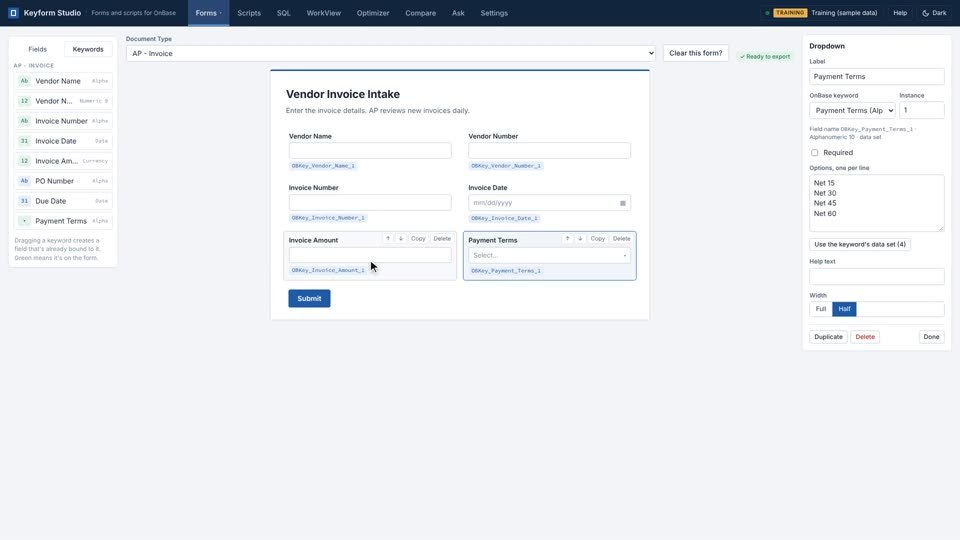
Start a form for a Document Type, add fields already bound to its keywords, test it in Preview, then copy or download the HTML to import into OnBase as an HTML form template.
Start here. In about three minutes, Sam and Jordan show what Keyform Studio is and what it can do for OnBase developers, with the app on screen the whole time.
Short, narrated walkthroughs of each tab. Each one follows the example in its written training guide.
Start a form for a Document Type, add fields already bound to its keywords, test it in Preview, then copy or download the HTML to import into OnBase as an HTML form template.
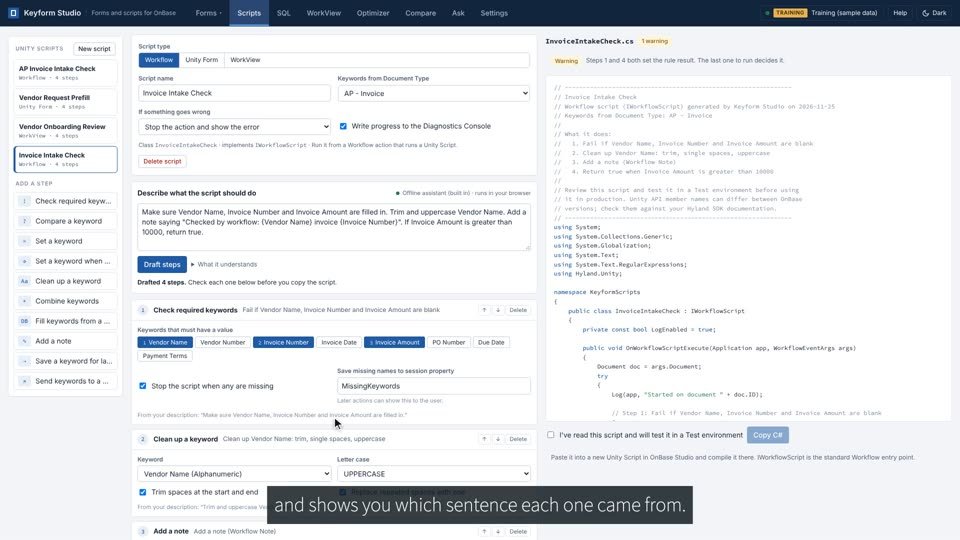
Build the Invoice Intake Check script from the Scripts training guide: describe it, draft the steps, add one yourself, read the C#, then review and copy it for OnBase Studio.
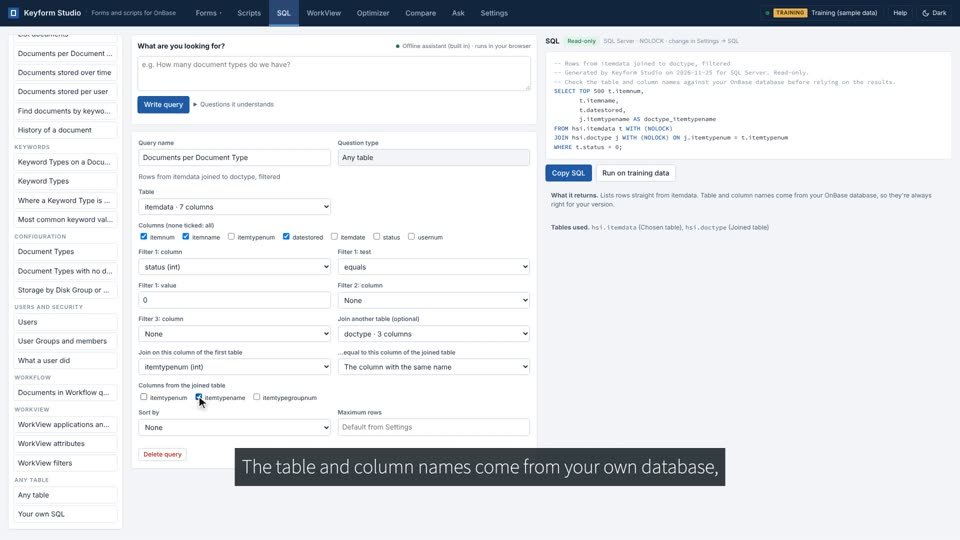
Tour the question types (Documents, Keywords, Configuration, Users and security, Workflow, WorkView) and Any table, then ask a question, adjust it, read the SQL and run it safely.
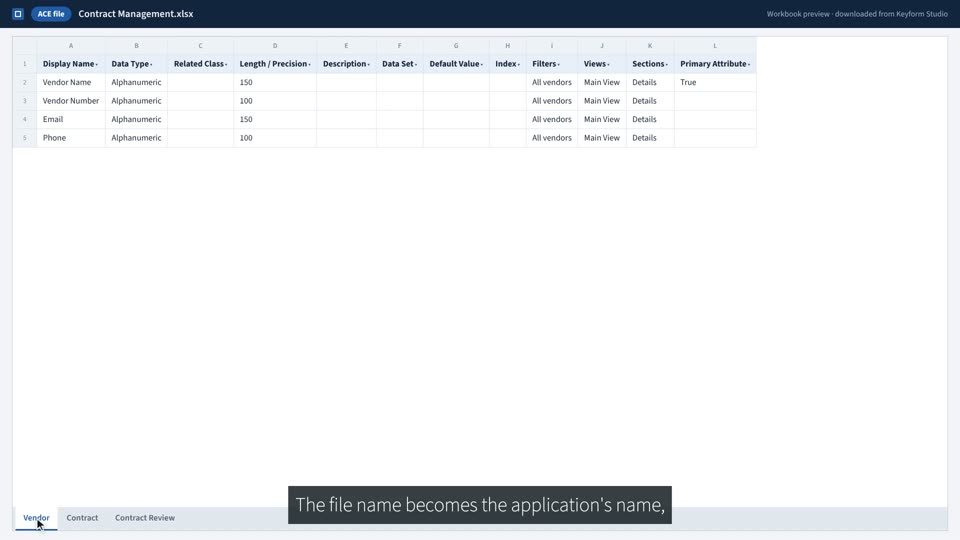
Describe the problem, draft and check the design, then build it: the ACE file that OnBase Studio imports, the build kit workbook, and the build steps in order.
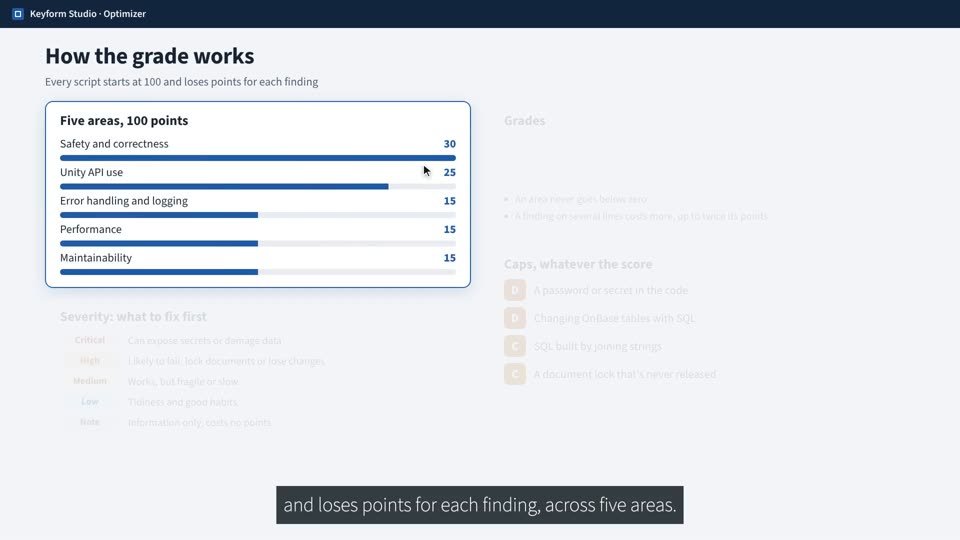
Paste a Unity Script and get a grade from A to F. See how the five areas, the grade scale, caps and severities work, then use the safe-fixes rewrite.
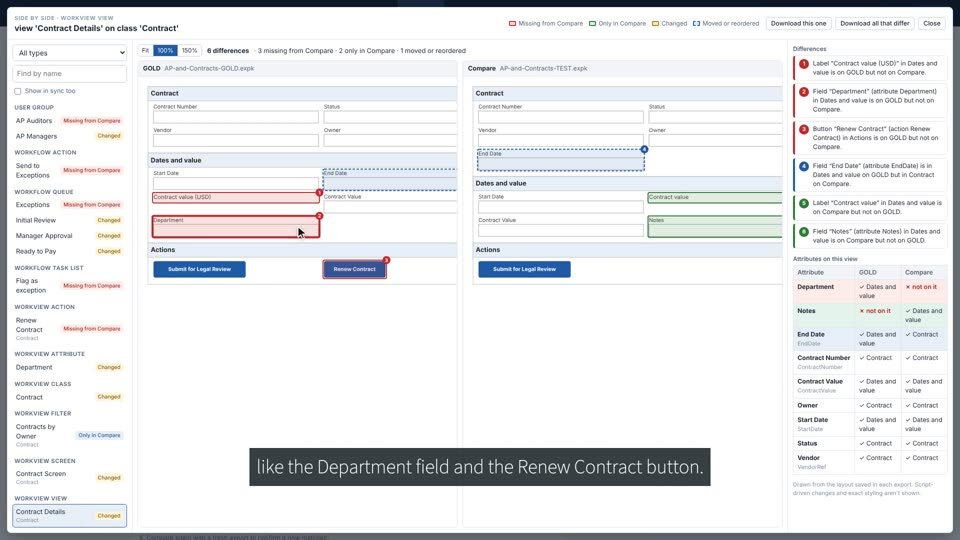
Compare an OnBase export with the GOLD copy: the grade, every difference and how to fix it, the Type and Difference filters, and WorkView views and screens drawn side by side.
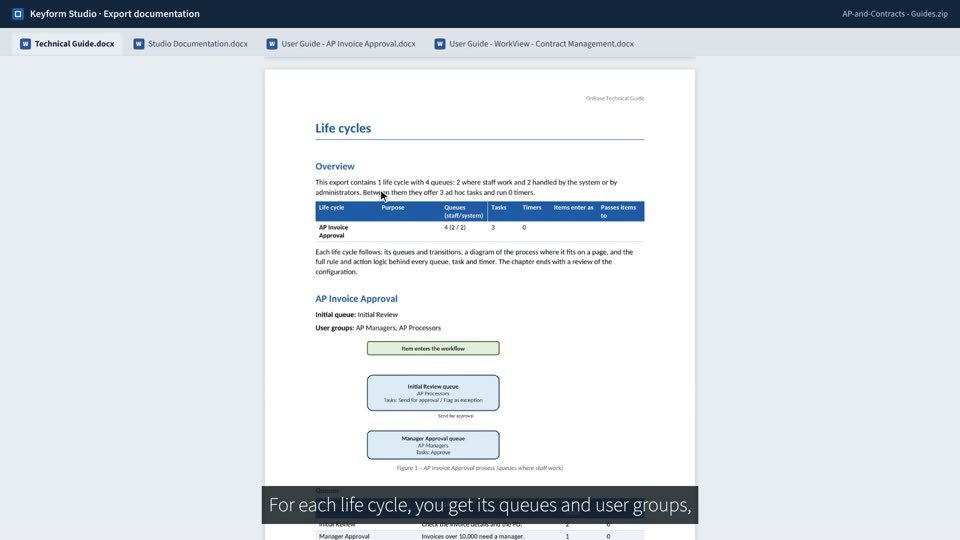
Turn an export into Word guides: a technical guide with a configuration review, Studio Documentation, and user guides for each life cycle and WorkView application.
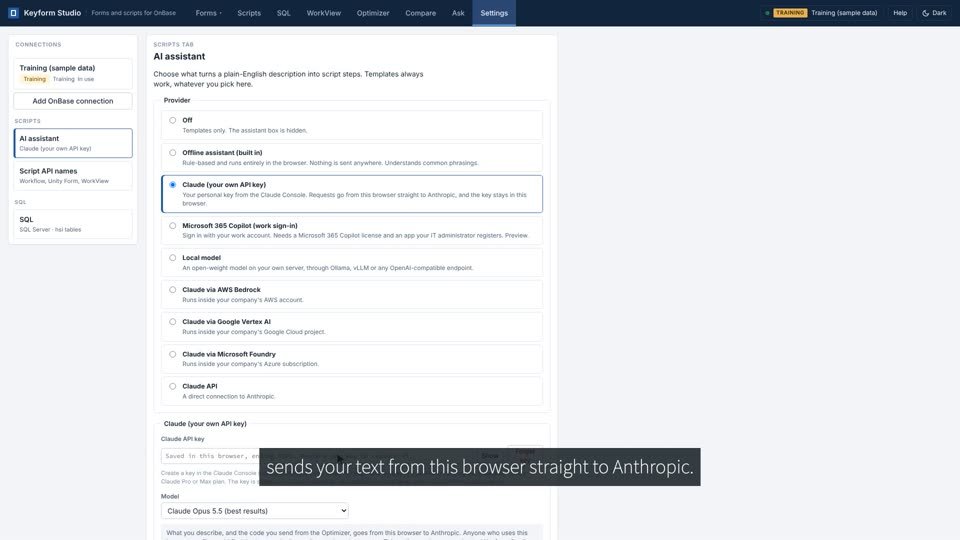
Choose your AI assistant and where your text goes, correct Script API names, set SQL options and table names, and manage your password and two-factor sign-in.
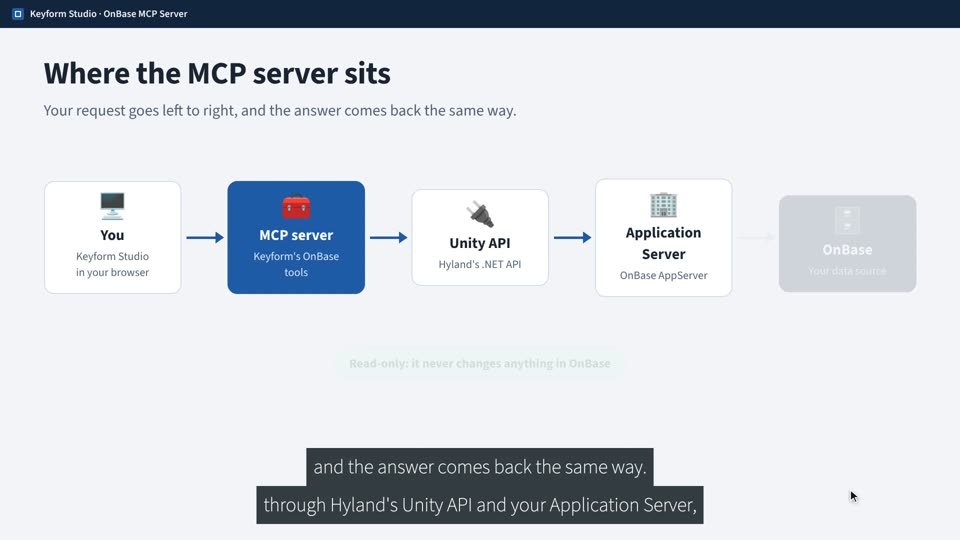
What an MCP server is and where it sits, how to set appsettings.json for your environment, how it follows your OnBase permissions, and adding a local AI such as Qwen or Llama.
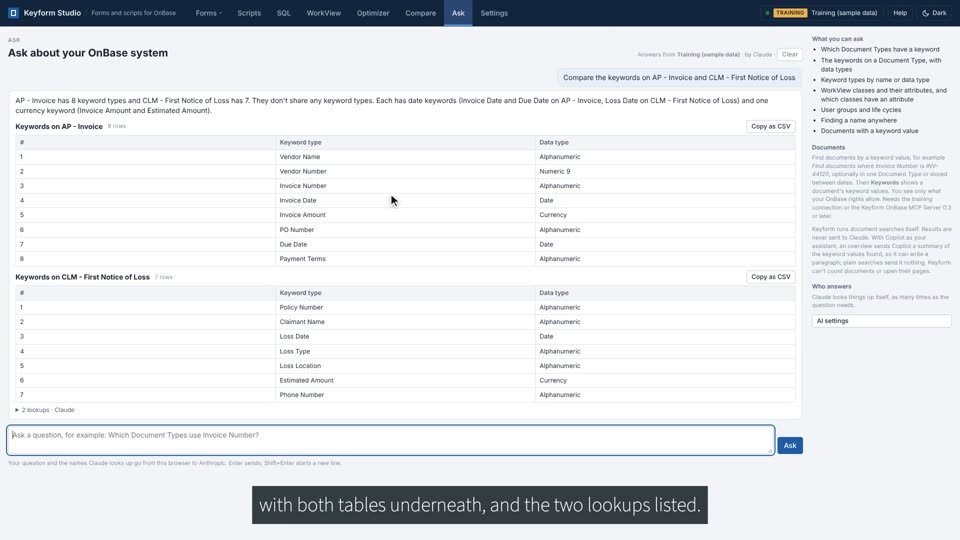
Plain-English questions about your configuration and documents, with the built-in assistant and with an AI model connected: Claude, Microsoft 365 Copilot or a local AI.
Open Keyform Studio and choose the Training connection: everything in these videos works on its sample data, with nothing sent to OnBase.